AI generated marketing site based on product code
Building a full, respectable marketing site - copy, media, and SEO - took only four hours with AI tools. I leveraged Replit's product knowledge for the core build, then fine-tuned images & video with chatGPT & Pika. Box checked, site live, and a huge "Good job!" to my AI helpers!

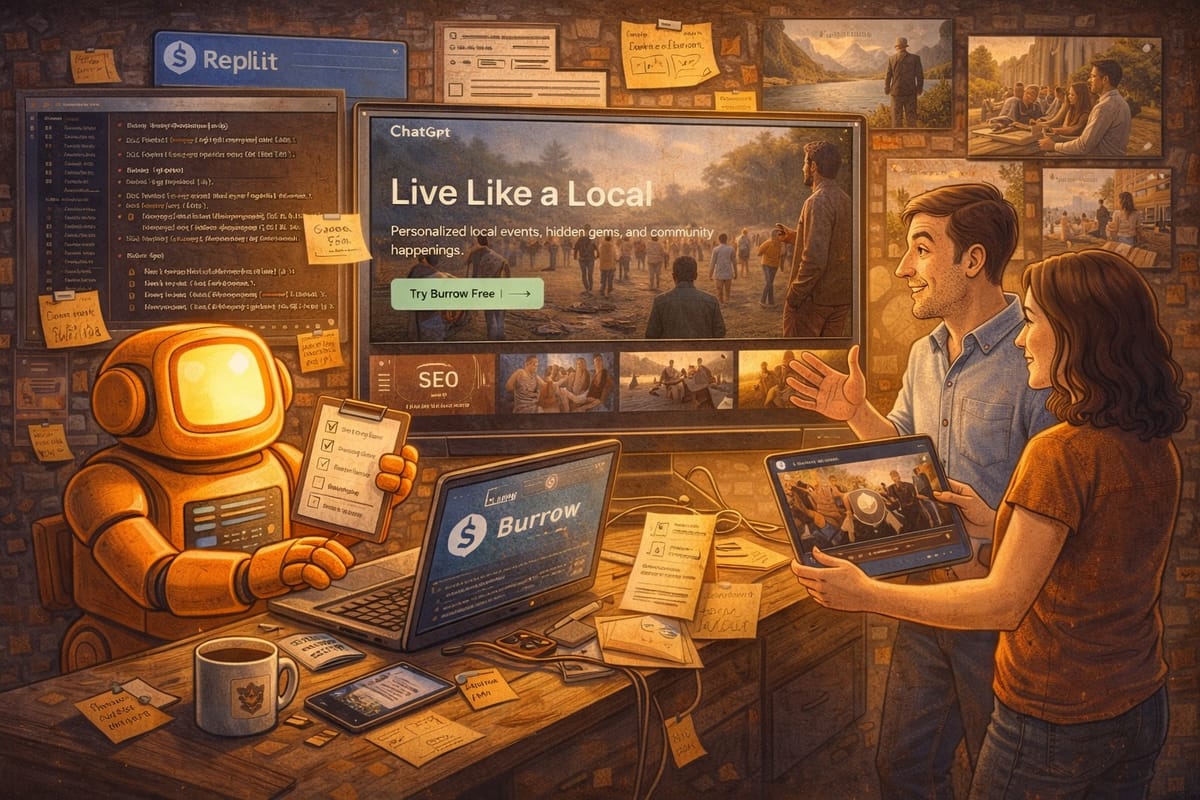
While building product is a lot of fun, at some point, you have to get to the marketing side of things. We used Replit's knowledge of the Burrow product to prompt the creation of the Burrow marketing site. Here's how we did it.
Leverage your IDE's product knowledge to create your marketing
IDE - integrated development environment. An environment - like Replit - where you do all that dev stuff.
Honestly, using my IDE to create the marketing website was a "duh" moment for me.
When I started thinking about the marketing site, I did all the usual research into hosting platforms, templates, etc. It was hours of feeling like I was trying to solve a new problem with old methods. Then it hit me: building websites is literally what Replit does. Why was I hunting for yet another tool when the right one - the one that already knows my product - was right in front of me?
After feeling pretty dumb for a few hours, I got to work. Within my Replit dev environment, I:
- Told my Replit product project I needed to build a marketing site with all the SEO tools, analytics, Terms of Service, etc.
- Asked it to create a prompt for a separate Replit marketing site project, including all the copy. After all, it knew as much about what we were working on as I did.
- Give me instructions on how to create the site.
I plugged all of that into a new Replit project and BAM! My draft website was ready - including a theme that matched the app.
Fine Tuning your AI generated website
The first pass at the site was pretty impressive. All of the major pieces were in place, but it definitely needed some work.
A few prompts to tighten up the appearance and move a few things around made the site look reasonable. It wasn't super fancy, but it was respectable and could do the job. I found some other sites with more polish that I found appealing, chatted with Replit about how we could apply similar sizzle, and came up with the idea of adding a parallex effect … where background images move slower than foreground content as you scroll.
Replit tasked me with generating some background images appropriate to Burrow AND a looping video for the top panel.
Generating Marketing Images with AI
This marketing stuff and image generation doesn't really get me excited, so I was determined to crank through the tasks to get them to good enough... learning along the way. Not super fun, but not too painful either.
- Replit - generated guidelines for the types of images I needed.
- This included practical things like image sizes, but also ideas for what the pictures should show and color guidelines from the site theme to include in images so they would seem more natural in their setting. I would have never had thought of that.
- I got a prompt to feed into chatGPT.
- chatGPT - generate static images showing the scenes I wanted.
- I provided the prompt from Replit and asked chatGPT for its input. It made a few tweaks to the plan and we were underway.
- Beware of the default people being too model-like attractive, having unnatural expressions and body language, and the same people being reused in all images. We did some tweaking and got to an ok place.
- This took about 3-4 prompts per picture to get right. not too shabby.
- For the video montage, I had chatGPT create a script for one scene to see how it would turn out.
- Pika - very low effort, short video creation!
- I fed in the video script, hit go, and got a pretty good short in about 90 seconds. I made some adjustments and it was done.
- I made a few adjustments to the script for different scenes and got one-shot results for 3 more videos.
- NOTE: I first tried Nano Banana for this and I can just never get it to work well. I also looked at Runway, but it was more complicated than a newbie like me could quickly figure out.
- iMovie - stitch my movies vignettes into a montage
- Pika could generate the shorts, but I don't think it can do edits and iMovie was the easiest thing I knew to hack it together.
- Drop in the clips, trim the timelines, export. Done.
- Replit - pulling it all together.
- I gave Replit the images and video and told it to do the parallex thing.
- It threw them in, rewrote some copy to fit the new content, and Bob's your uncle.
- I added in my Google Analytics and was done.
Easy Peasy - Marketing Site Done
Four hours. From beginning to end, while learning new tools, the site was done in four hours. And it's a good looking site!
Sure, I could have spent another four days perfecting it - a video here looks odd on mobile, and maybe two festival-goers look a bit angry - but honestly, for a four-hour sprint? I'm calling it a win. Box checked, site live, and a huge “Good job!” to the AI tools that made it happen!