
How I Use Agents to Keep My Product Documentation Tidy
Keeping your agents' knowledge base pristine isn't just about tidiness - it’s about speed and preventing confusion. I use a clear file structure (like an agents/ folder) and a specific cleanup prompt to maintain a concise single source of truth, ultimately making it easier to keep the code clean.

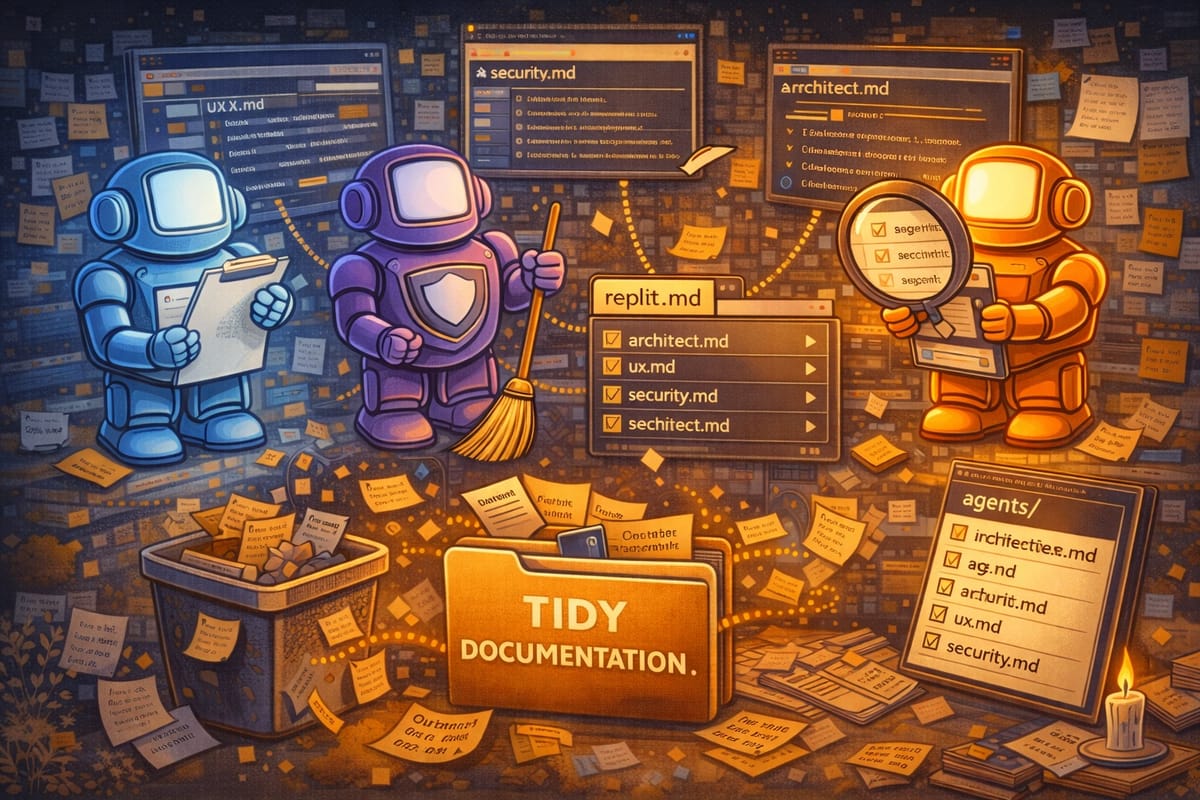
Keeping your agents' knowledge base pristine isn't just about tidiness - it’s about speed and preventing confusion
We’ve discussed the value of having agents (domain specific keepers of best practices) and of keeping them updated with lessons learned. Part three of this series is refactoring of agent documentation.
Keeping that documentation nice and tidy helps keep things moving because it gives your agents a concise single source of truth that's easier to process. This is why structure matters. For example, Replit uses replit.md as its primary guide, and all my supplemental best practices live in files in my agents/ folder (e.g., architect.md, ux.md). These supplement replit.md and the more polished those files are kept, the better the results.
Periodically, I will prompt for a cleanup… something along the lines of:
Agent Prompt
I want to make sure my agents/ files are nice and tidy. Can you review replit.md and all of the files in the agents/ file and look for opportunities to refactor, organize, consolidate, streamline, and otherwise update this documentation?
Ultimately, keeping my best practices tidy is what makes it so much easier to keep the code clean. More on that in the next post.